
📺 Original Video: How To Fine-Tune A Large Language Model (Step-By-Step) by Matt Wolfe
📅 Duration: 28:20 · Published: March 3, 2026
TL;DR
- Fine-tuning teaches an AI to act like you (writing style, tone, patterns), while RAG teaches it to know things (facts, data, references)
- Matt trained models on his YouTube transcripts and tweets using Nebius (cheap cloud fine-tuning platform), costing $2.56 to $75 depending on model size
- Smaller models (8B) are great for short content like tweets, bigger models (70B) handle long-form storytelling better
- The process: export your content, use ChatGPT to convert to JSONL format (90% training, 10% validation), upload to Nebius, wait 7 minutes to 4 hours, deploy
What Fine-Tuning Actually Does
▶00:00 AI writes like a corporate robot, and that’s the problem. You spend forever editing its output to sound human. Fine-tuning fixes this by teaching the model your voice, not just facts.
▶00:47 Think of it this way: if you hire a writer and give them a Google Drive full of research, they’ll know the facts but still won’t write like you. Fine-tuning is like giving that writer acting lessons until they naturally sound like you. RAG (retrieval augmented generation) is just handing them a reference manual.
▶02:35 Use RAG when you need the model to know specific details. Use fine-tuning when you want it to talk like you. They solve different problems.
The Proof: A Model That Writes Like Matt
▶02:50 Matt’s already built one called MW YouTube, trained on about a hundred hours of his video transcripts using Llama 3.3 70B Instruct on the Nebius platform.
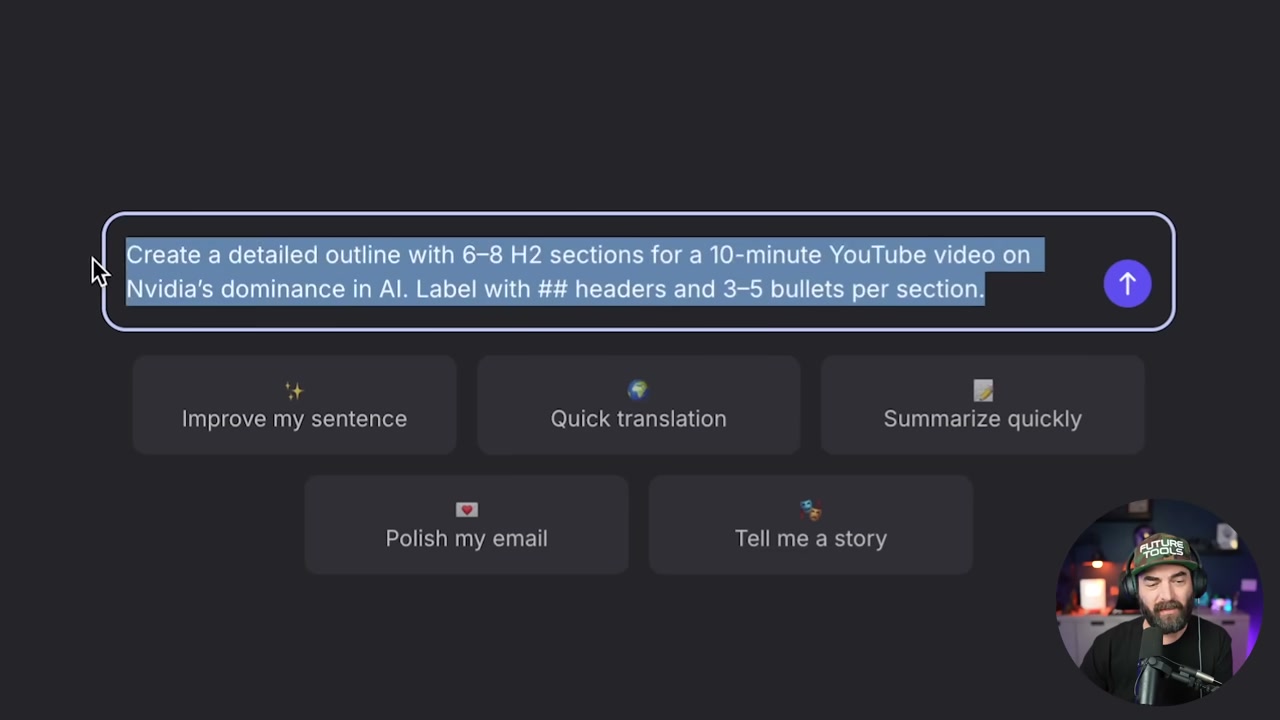
▶04:07 Side-by-side comparison time. He asks both the fine-tuned and vanilla models to write a YouTube script about Nvidia’s AI dominance. The fine-tuned version nails his style.
▶04:39 The outro it generated: “So there you have it. That’s why Nvidia is so dominant in AI right now.” Classic Matt. It even pulled in old calls to action like “check out futuretools.io” and name-dropped a sponsor from two years ago (Wiretock) because that was in the training data.
▶05:56 The formatting was terrible, but that’s Matt’s fault. He fed it unformatted transcripts. Garbage in, garbage out.
How to Train on YouTube Transcripts
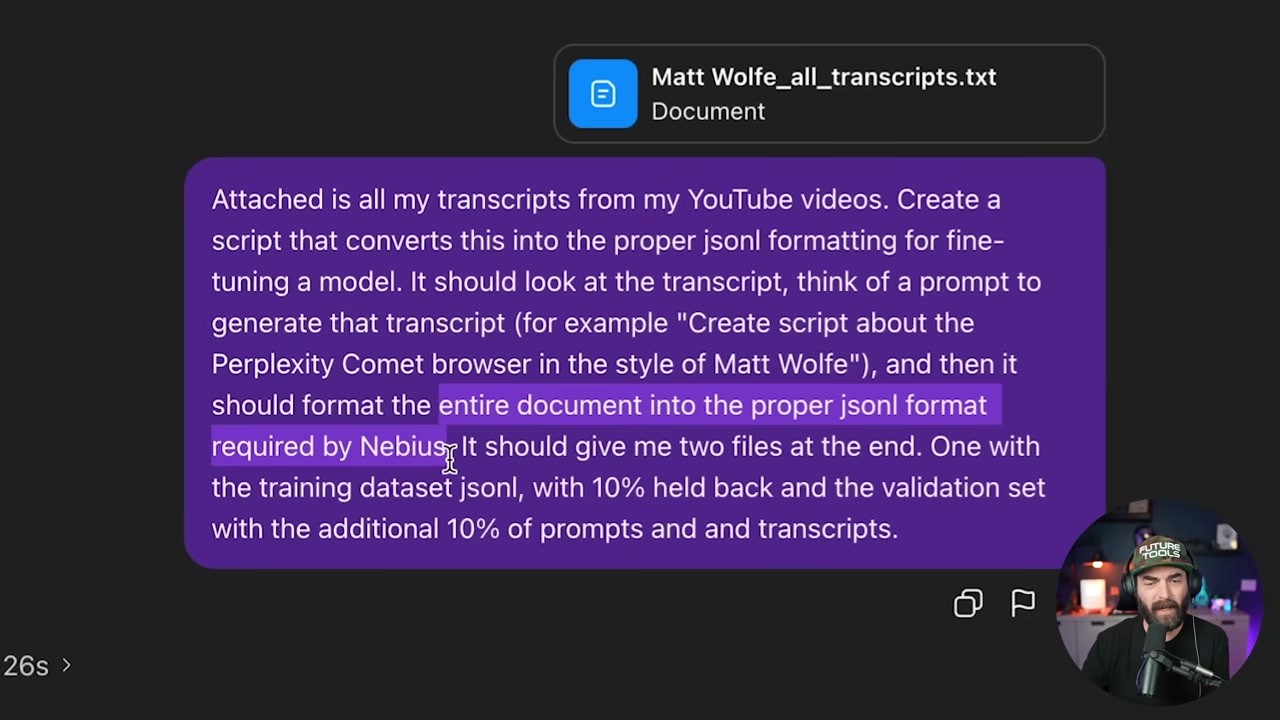
▶06:43 Matt used downloadyoutubetranscripts.com. Seven bucks gets you all your transcripts in one giant text file. Then he uploaded it to ChatGPT and asked it to convert everything into JSONL format for Nebius, split into two files: 90% training data, 10% validation.
▶07:47 ChatGPT took 14.5 minutes to format it. After that, he uploaded both files to Nebius, kicked off the training job, and waited.
The Full Walkthrough: Training on Tweets
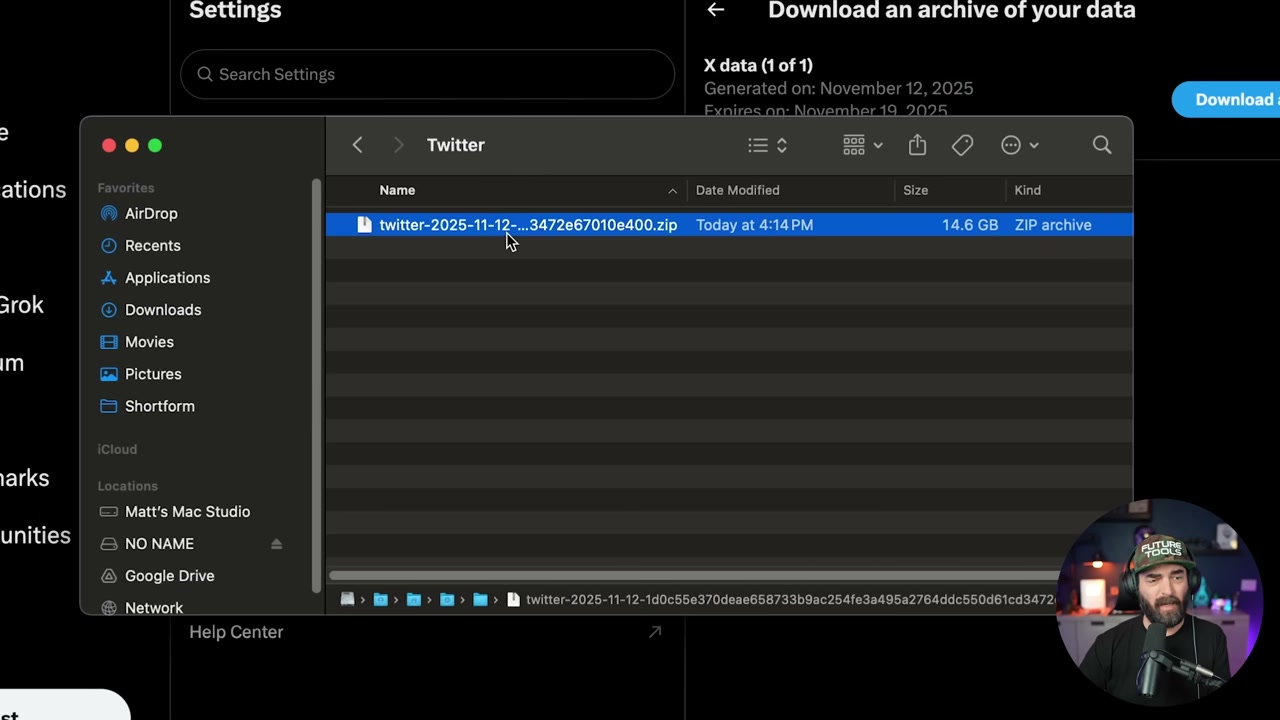
▶08:50 For the tweet version, Matt wanted a model that could write a tweet in his style on any topic. Step one: download your Twitter archive. Go to Settings, request your data, then wait 24 hours because X makes you. His archive was 13 GB, but the only file you need is tweets.js.
▶11:44 That file has all your tweets. Unfortunately, it only pulls the first 140 to 280 characters, so long tweets get truncated. Not ideal, but workable.
▶12:30 Upload tweets.js to ChatGPT and give it this prompt: convert to JSONL for fine-tuning. It should look at each tweet, reverse-engineer a prompt that would have generated it (like “create a tweet about the Perplexity Comet browser in the style of Matt Wolf”), then format it properly. Split 90% training, 10% validation.
▶14:03 Why the 90/10 split? Training is what the model learns from. Validation is how it double-checks its work, making sure outputs match what’s in the validation set.
Setting Up the Training Job
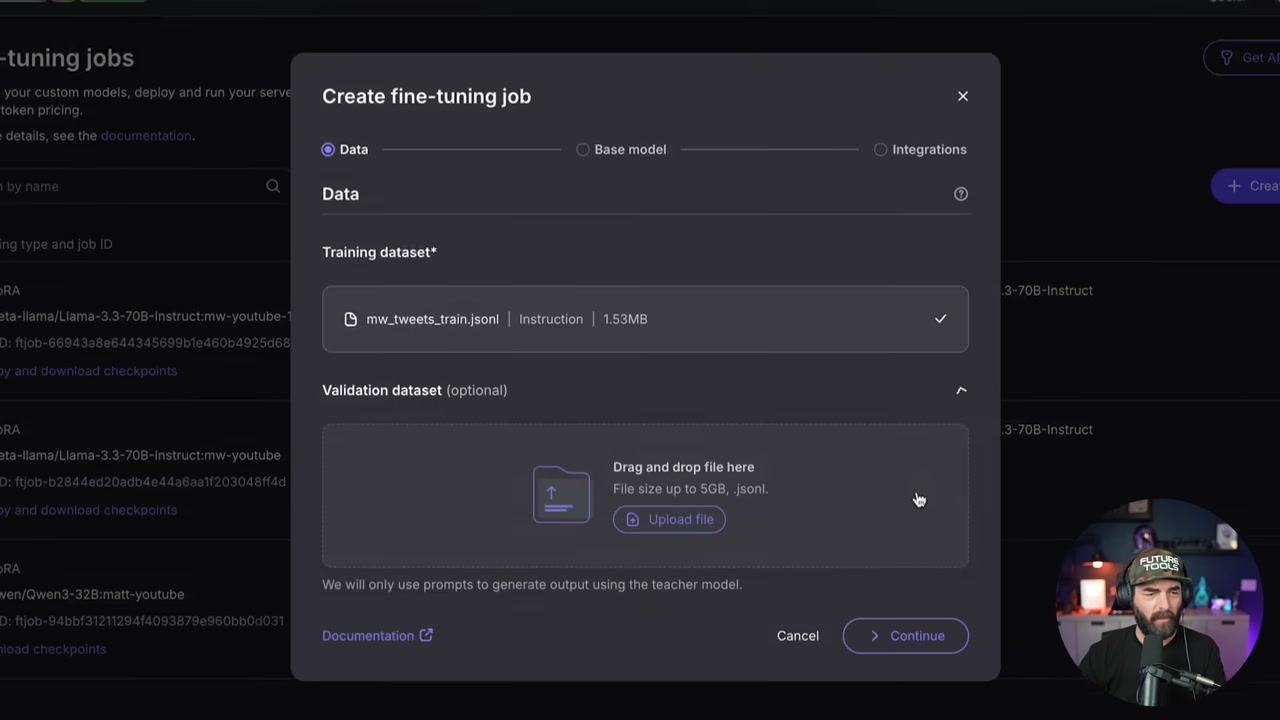
▶15:04 Head to Nebius at tokenfactory.nebius.com. Hit the fine-tuning page, create a new job, upload your training and validation JSONL files.
▶15:52 For training type, pick LoRA fine-tuning (faster and cheaper). For model selection, choose one with “one-click deployment.” Matt went with Llama 3.1 8B Instruct for the tweet model because it’s smaller and perfect for short content.
Model Sizing: When to Go Big vs Small
▶16:40 Here’s the deal. The 8B model is great for tweets, hooks, intros. Style accuracy is solid, but it won’t handle long-form well. The 70B model is better for documentary-style storytelling and keeping coherence across paragraphs, but it costs more. 8B runs 40 cents per million tokens. 70B is $2.80 per million.
▶18:14 Matt’s settings for the tweet model: LoRA fine-tuning, batch size 8, learning rate 0.001, 11 epochs, warmup ratio 0.03, weight decay 0.01, max gradient norm 1, packing enabled. LoRA rank 16, alpha 32, dropout 0.05. If that sounds like gibberish, just copy those settings. They work.
Wait Times and Costs
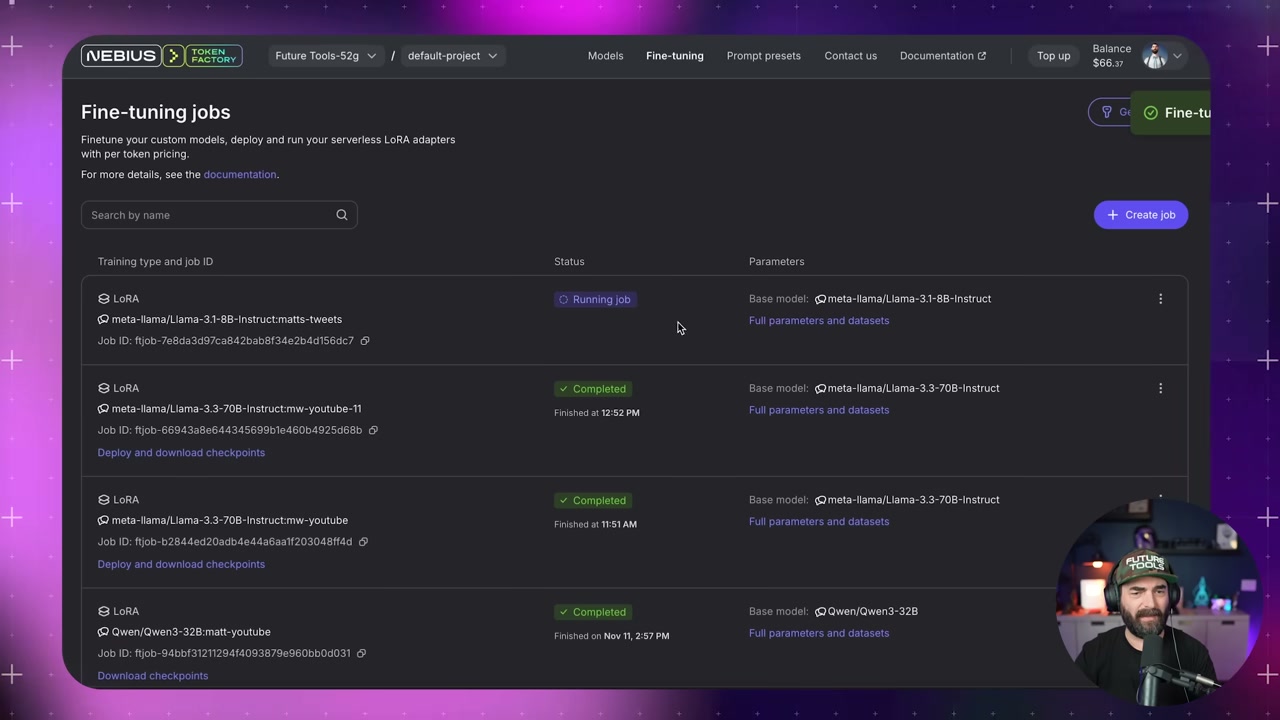
▶19:33 Training takes anywhere from 10 minutes to 4 hours depending on model size, dataset size, and epochs. Matt’s tweet model finished in 7 minutes. Cost? $2.56 for 6.4 million tokens at 40 cents per million. His YouTube 70B model ran $75 for 27 million tokens.
Deploy and Test
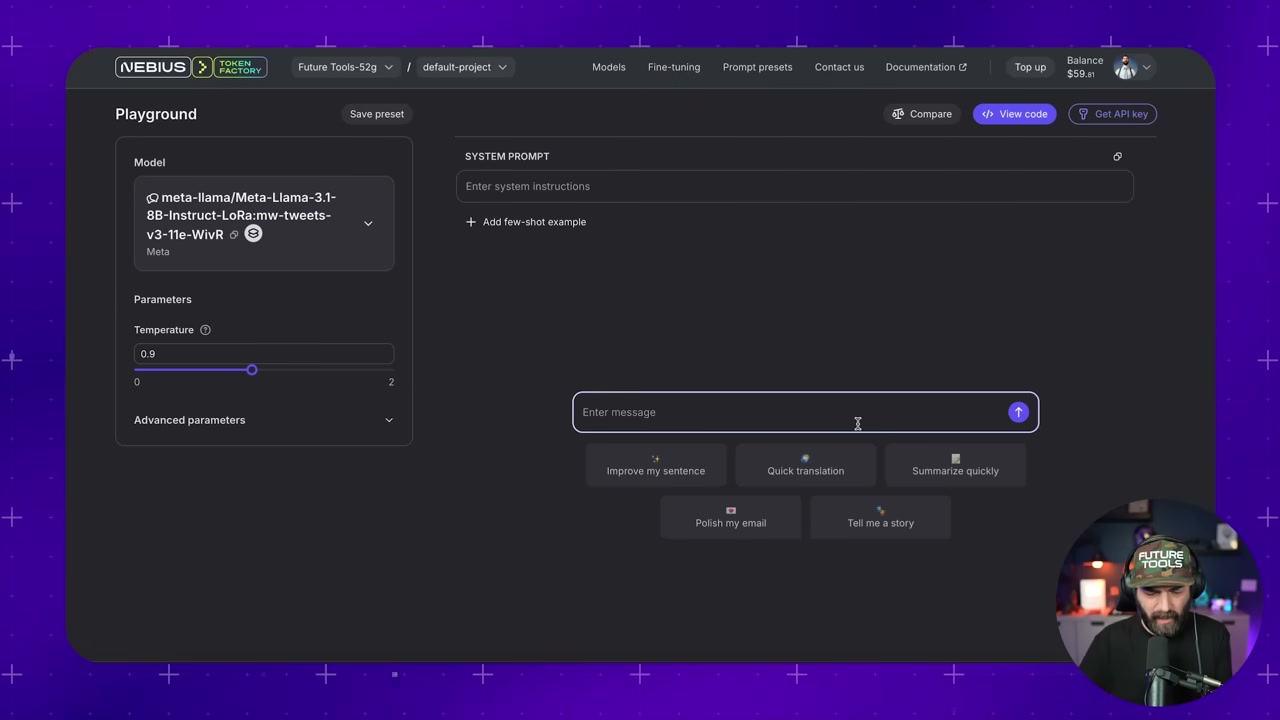
▶21:10 Once training finishes, go to the fine-tuning page, deploy the checkpoint from epoch 11, name it, click start deployment. This fires up an inference server so you can actually use the thing.
▶22:11 Testing time. Prompt: “Write a tweet about how AI and VR are about to intersect.” The fine-tuned model wrote: “AI and VR are about to intersect in a big way. I just got back from CES and there was a ton of head-tracking VR devices on the show floor.” Sounds exactly like Matt. It even knows he’s been to CES because that was in the training data.
▶23:28 The non-fine-tuned version? “Wakeup call. AI and VR are on a collision course… #AI #VR.” Uses hashtags (Matt never does), sounds generic, totally off-brand.
Common Gotchas
▶24:48 One problem Matt hit: the model kept putting @replies in every tweet because the training data included replies. Fix? Re-run the ChatGPT formatting step with “remove any replies, only add tweets from my main timeline.”
API Access and Other Platforms
▶26:10 You can hit the fine-tuned model via API too. Deploy it, grab your API key, send curl requests with a system message and user prompt. Works just like OpenAI’s API.
▶27:02 Nebius isn’t the only option. OpenAI also does fine-tuning (more expensive, same steps). Unsloth is for fine-tuning locally on your own GPU if you have the hardware. But Nebius is the easiest cloud option for most people.
We try hard to get the details right, but nobody’s perfect. Spot something off? Let us know